Introduction to JSON
This page introduces you to JSON – JavaScript Object Notation. We have discussed definition, history, usage and Comparison with XML of JSON in this page. Continue reading “JSON Tutorial,definition, history, usage and Comparison”

It's Logical to share
Technology

This page introduces you to JSON – JavaScript Object Notation. We have discussed definition, history, usage and Comparison with XML of JSON in this page. Continue reading “JSON Tutorial,definition, history, usage and Comparison”

 Facebook has a lovely feature which let people follow you. This feature works like Twitter where you can follow everyone so that you can read some spicy news from them. But here you can only supplement this follow button if you are over 18. Continue reading “How to Add a Follow/ Subscribe Button to Your Facebook Profile”
 Getting the social media share count for any URL can be useful for many thing in a website, you can use that for statistical purpose or for display. The social media share count is basically the number of times a webpage was shared on a certain social media. Continue reading “How to get Share Count from Facebook, Twitter and Google+”

 So this is a new kind of phone. It’s made of blocks. Detachable blocks. They’re all connected to the base, and the base connects everything together. Electrical signals are transferred through the pins, and two small screws lock everything in place. We need your help to spread the word share this document as much as you can. Together we can make a change. Continue reading “PhoneBlock help make it happen by sharing #phoneblock”
 Creating a custom Facebook share is easy html but you need a little bit of javascript to create the count box. But don’t worry here is how to do it in your website Continue reading “Creating Custom Facebook Share with Count Box”

 As Apple accustomed us in the past years, in September of every year there’s a release of yet another revolutionary iPhone. To many critics, they all see the iPhone as an unchanging phone, and everything they do is multiply its performance and change the design a bit. I believe there’s more to that… Continue reading “The world welcomes the all new iPhones 5S and 5C”

Microsoft SQL server MSSQL (all the versions) gives 2 modes of of authentication: Windows Authentication mode or SQL Server and Windows Authentication mode (mixed). While in the installation you can chose which method you want to use, and later on you can change this using Microsoft Management Studio Continue reading “Microsoft SQL server (MSSQL) change Server Authentication”

You haven’t opened Windows Live Messenger MSN for some time, and today (after April 8 2013) while trying to open it again it’s not working, you can’t sign in. Sorry to tell you after April 8 2013 Microsoft decided to completely close MSN but don’t worry there is an alternative
I have been hearing about a lot of people lately complaining why they can’t access their Msn, so i want to draw your attention to the fact that Microsoft bought Skype in October 2011, and now they have 2 messenger, so a logical step i to ditch one of them and at the end of the day the decision was to stop Msn and keep Skype, but don’t worry Nothing is lost, all your contacts are still saved, all you have to do is start using SKYPE.
We previously had an article on how to migrate from Msn to Skype, check that link you and follow the instructions step by step.http://logicum.co/move-wlm-msn-your-contacts-to-skype/
Just a small note for your old Skype account if you had one, Forget it, From now on you will always be using your Microsoft account, which was the same account you signed in with on Msn.

Using Asp.net if you want to add a script to the page from the code behind. The normal Page.RegisterStartupScript will not work if it is called from a button (or any other event) inside an updatePanel.
This is the normal code you would use ( this will work normally if you don’t have an updatePanel)
Page.RegisterStartupScript(“popup”, “<script type=’text/javascript’>alert(‘hello world’);</script>”);
It should be replaced with the following line of code
ScriptManager.RegisterStartupScript(PanelID, PanelID.GetType(), “script key”, “alert(‘hello world’);”, true);
or use it like this same result
ScriptManager.RegisterStartupScript(PanelID, PanelID.GetType(), “script key”, “<script type=’text/javascript’>alert(‘hello world’);</script>”, false);
Hope this was helpful and solved your problem
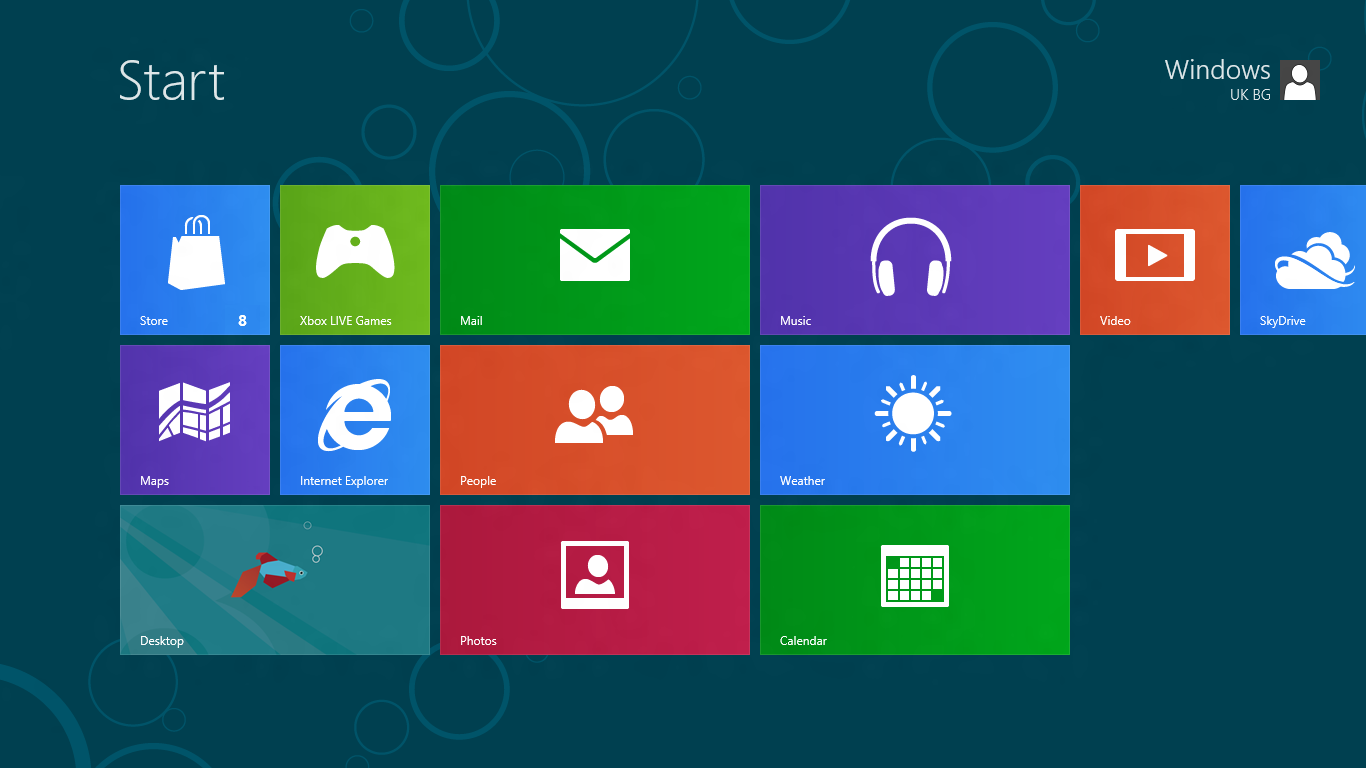 Calling a WCF service in a Windows store app is a bit different from the normal WPF here is a sample on how to do it images + code
Continue reading “Consuming (calling) a WCF service in Windows store app”