
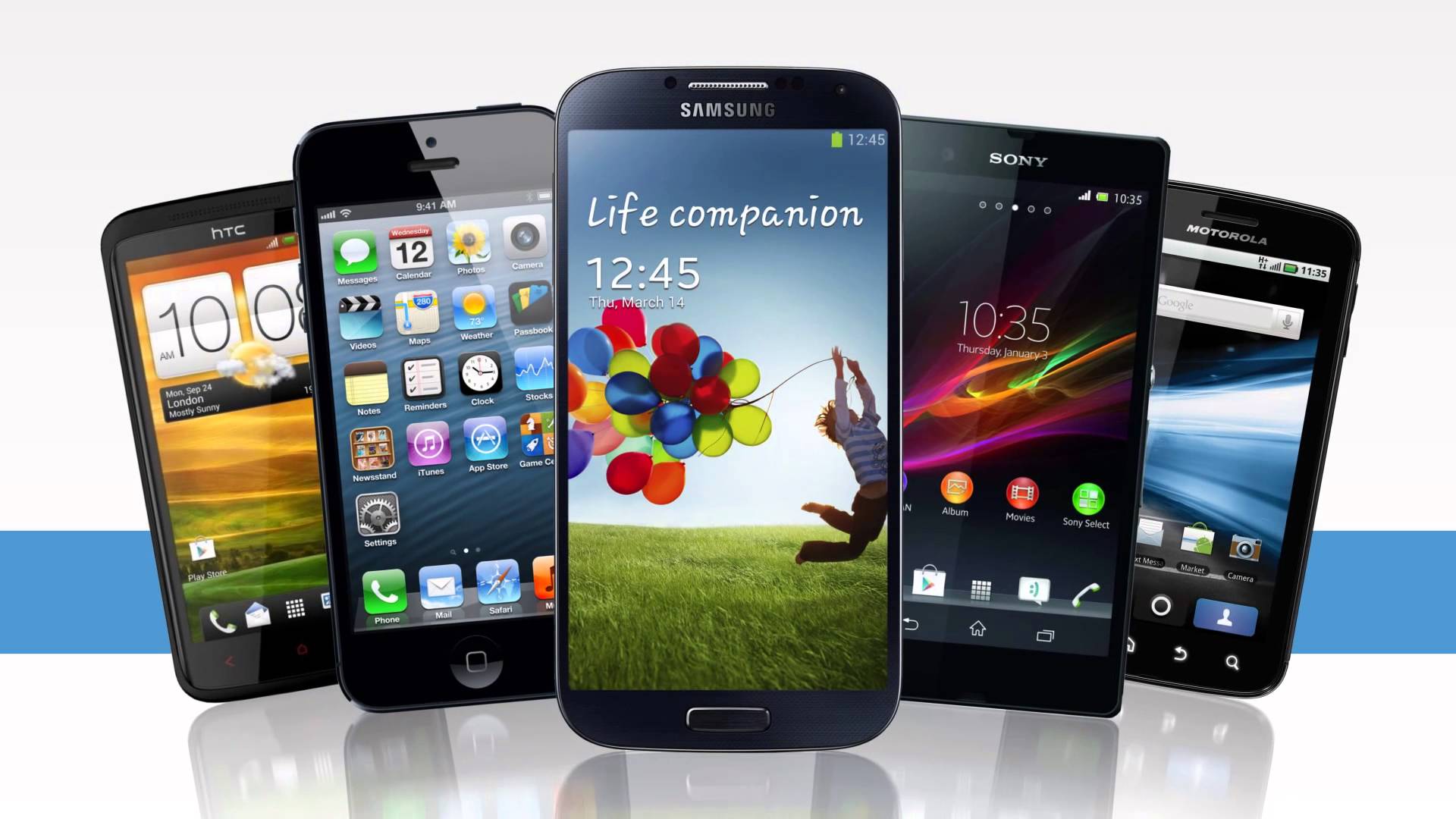
Are you wondering how to take a screenshot of your phone’s screen, we gathered a list of the most used phones
We would like to mention that on old phones taking screenshots was not a straight forward thing to do. for example the early versions of android a root was needed or a special software, in windows 7.5 you need a software to do so.
Phones are sorted alphabetically
- Galaxy Ace 1: Home Button + Power Button
- Galaxy Ace 2: Home Button + Power Button
- Galaxy Gio: Back button + Home Button
- Galaxy Nexus: Power Button + Volume down
- Galaxy Note 2: Power button + volume down / Slider the palm of your hand from right to left on the screen / Click on the pen button and touch with it the screen for 2 seconds
- Galaxy S 2: Power button + Home Button
- Galaxy S 3: Power button + volume down / Slider the palm of your hand from right to left on the screen
- Google Nexus S: Power Button + Volume down
- HTC Butterfly:Home Button + Power Button/ Power button + Volume Down
- HTC droid DNA: Home Button + Power Button/ Power button + Volume Down
- HTC One S:Home Button + Power Button/ Power button + Volume Down
- HTC One X :Home Button + Power Button/ Power button + Volume Down
- iPads: Home Button + Power Button
- iPhones 5 / 4s / 4 / 3G: Home Button + Power Button
- LG Optimus 2X: Home Button + Power Button
- LG Optimus: Home Button + Power Button
- LG Spectrum: Home Button + Power Button
- LG Nexus 4: Power button + Volume Down
- Motorola Electrify 2: Power button + Volume Down
- Motorola Xoom: Power button + Volume Down
- Motorola DROID 4: Power button + Volume Down
- Motorola DROID RAZR MAXX: Power button + Volume Down
- Motorola DROID RAZR: Power button + Volume Down
- Motorola DROID XYBOARD 10.1: Power button + Volume Down
- Sony Ericsson xperia mini: power button + volume down
- Windows Phone 8: Start and Power buttons
Hopes this list helped you find what you are looking for. if you know of any other way or any other phone not mentioned please drop us a comment.
If you like this article, remember it’s logical to share.

 Connection social media to any website is one of the important parts in building a website, and any website without those share buttons wouldn’t survive a lot. But sometimes the Default share/tweet buttons provided by the social medias are not good enough for our website or maybe doesn’t fit well in the design of the pages


 Facebook Login is a great way and very easy way for your user to connect to your website or to your client’s website. To make a Facebook Login button using ASP.net C# and only code behind calls you will need first to download the Facebook asp.net SDK, you can do so from the following
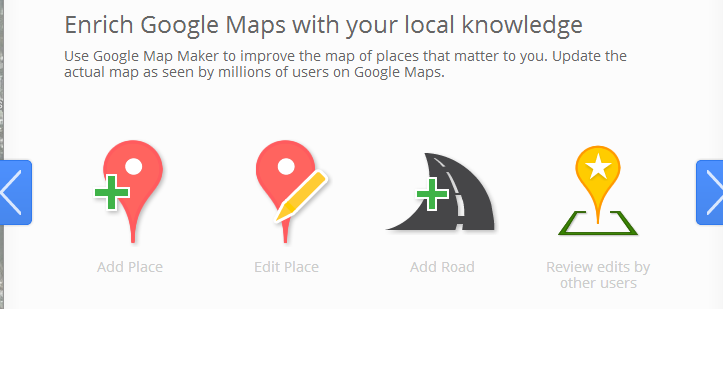 Enrich Google Maps with your local knowledge. How many times you came across the situation where a business next to you is not listed on the map, or a new road not available on the map. Before you needed to wait for Google maps to update this, and believe me it used to take quite sometime. Now you can do it yourself Google have created Google Map Maker for millions of users to help make the roads more accurate.
 QR Code (abbreviated from Quick Response Code) is the trademark for a type of matrix barcode (or two-dimensional code) first designed for the automotive industry. More recently, the system has become popular outside the industry due to its fast readability and large storage capacity compared to standard UPC barcodes. The code consists of black modules (square dots) arranged in a square pattern on a white background. The information encoded can be made up of four standardized kinds (“modes”) of data (numeric, alphanumeric, byte/binary, Kanji), or through supported extensions, virtually any kind of data

 We will discuss an easy way to get your android device download the OTA(Over The Air) OS update. Android phones are the top-selling devices in the world today with Google recently announcing that they are currently activating 1.3 million handsets every single day.